 NyxBoost
How to turn your own picture into a live wallpaper on Windows
An ordinary picture, rain or snow over it, and a pause while you play. Step by step from the file to your desktop in NyxBoost, and why the picture sometimes gets cropped.
The short answer
In NyxBoost: Personalization → Wallpaper → Add files…, pick your picture, turn on Rain or Snow in the Effects card and press Apply. All of it is free. If the edges of the picture disappear, the mode is Fill (crop the edges); to see the whole picture, choose Fit the whole picture.
Step by step
- Prepare the picture: JPG, PNG or BMP. GIFs and videos (MP4, WebM, WMV, MOV, M4V) work too; WebP and HEIC do not. Best of all is the monitor's aspect ratio, for example 1920×1080 for 16:9.
- Open Personalization → Wallpaper and press Add files…. You can also add Folders (files are not copied) or download a picture From a link.
- Select the picture in the library and set the mode in the On screen row — more on modes below.
- In the Effects card turn on Rain or Snow. The Brightness, Speed, Density and Size sliders change how it looks.
- Press Apply, or turn on Apply immediately.
With several monitors choose Same, Own on each or One across all screens. Effects can be set per monitor as well.
The same frame before and after
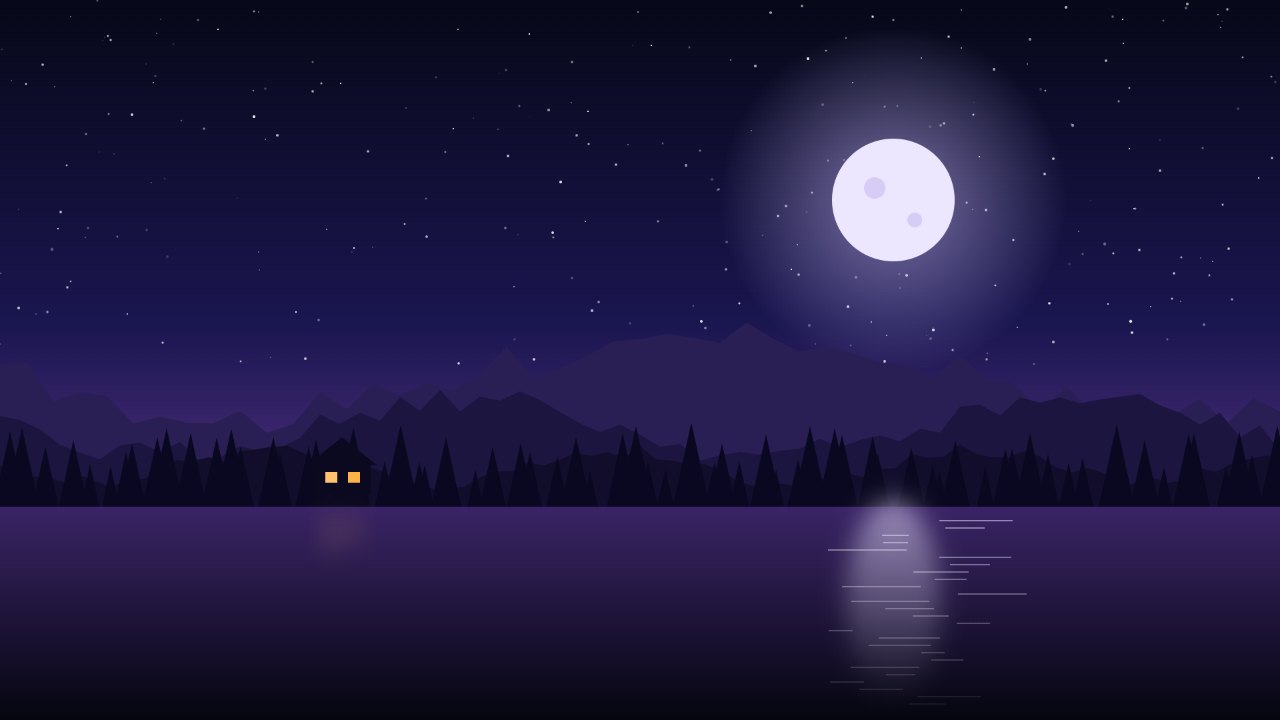 Before
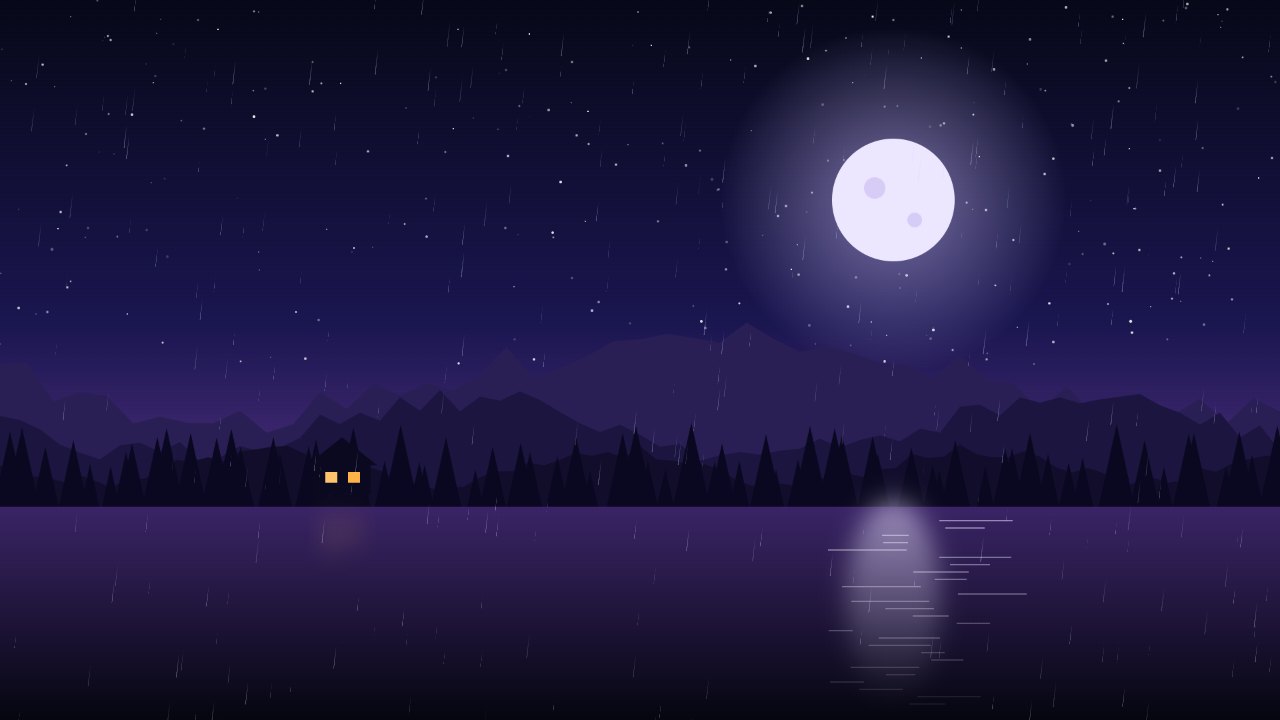 After
Fill or Fit
The modes are the same as for the usual Windows background (Microsoft's help):
- Fill (crop the edges) is the default. The picture grows until it covers the whole screen, and whatever does not fit is cut off. NyxBoost cuts extra width equally on the left and right, and extra height the way Windows does: a third at the top and two thirds at the bottom. So the live wallpaper sits exactly where Windows would put the same picture.
- Fit the whole picture shows all of it, with black bars at the sides or at the top and bottom.
- There are also Stretch (the proportions are not kept) and Center, no scaling.
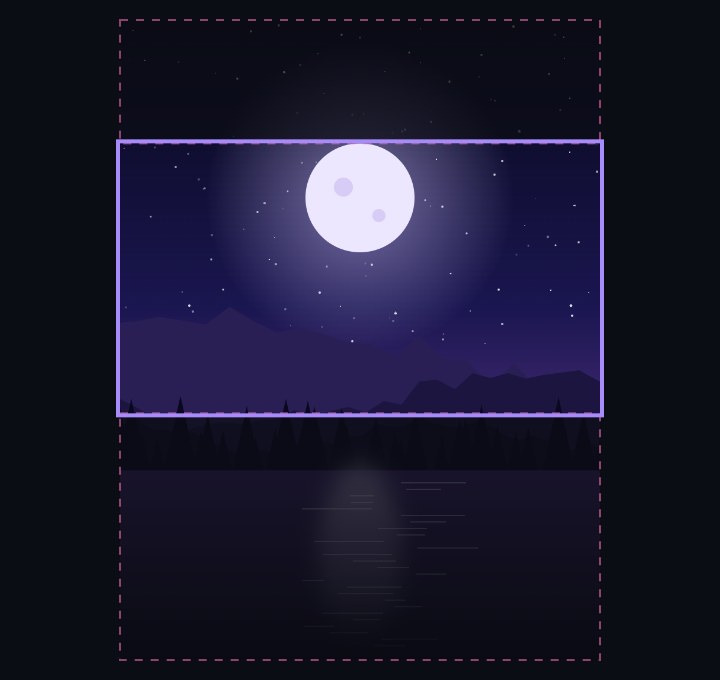 Fill
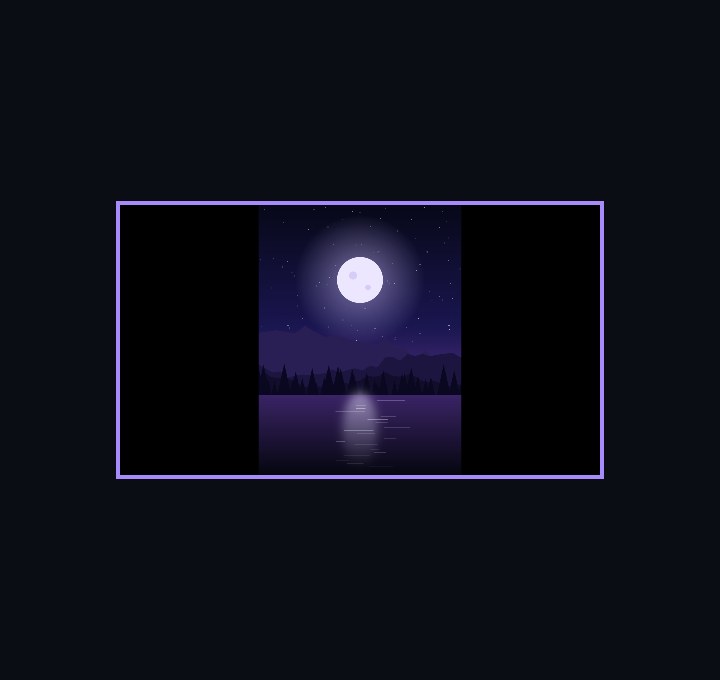 Fit the whole picture
Cropping appears only when the picture and the screen have different aspect ratios: a portrait photo on a wide monitor, a 4:3 picture on a 16:9 or 21:9 screen. If something important goes past the edge, crop the picture to your screen beforehand or choose Fit the whole picture.
The pause while you play
The switch “Pause while a game or a full-screen window is open (recommended)” is on by default. NyxBoost checks every second and a half, even while it sits in the tray. The pause starts when:
- a game is running that NyxBoost's automatic gaming mode has detected and is watching;
- or a full-screen window is open on any monitor. A maximized window does not count: it stops at the taskbar.
The pause is global: videos, GIFs and effects stop on every monitor, and nothing is drawn while they rest. There are also “Pause when a maximized window covers the desktop” (off by default) and “Pause on battery power” (on). For weaker PCs there is the power-saving mode: 15 fps, half the particles, no glow or parallax.
Next step
If you play on the same PC and want to be sure the wallpaper does not get in the way, take an FPS Lab series with the live wallpaper and one without it — how to do that fairly is covered in the article on stuttering at high FPS. And in the Usual Windows wallpaper card you can set the same picture as your ordinary background; Restore previous wallpaper brings back the old one.